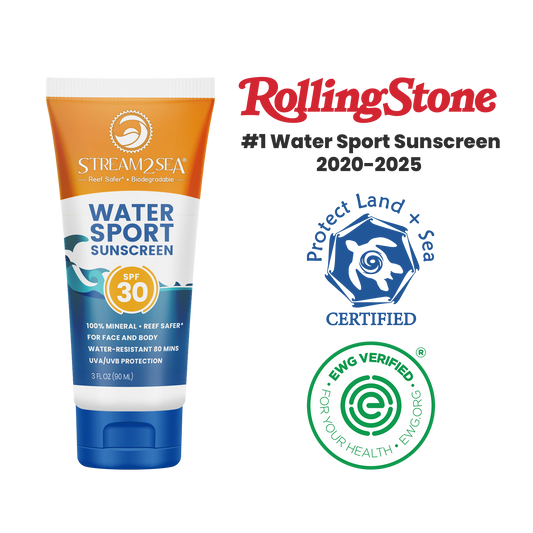
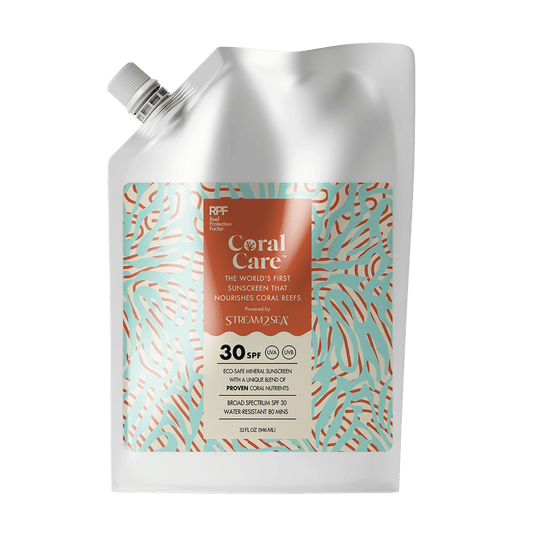
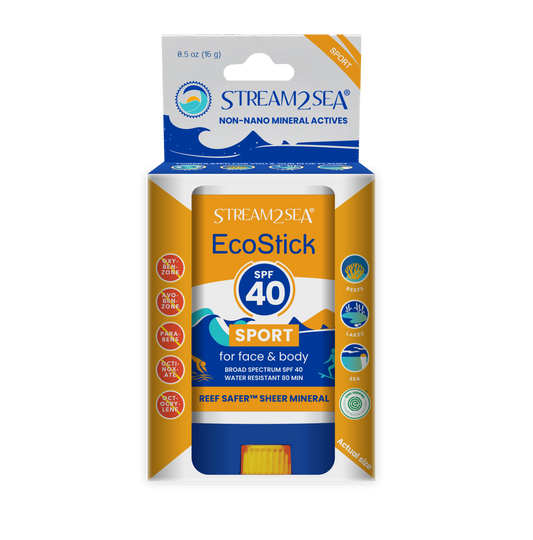
HSA/FSA Payments with Flex

SAVE UP TO 30% WITH PRE-TAX DOLLARS! We have partnered with Flex to enable customers to check out with their Health Savings Account (HSA) or Flexible Spending Account (FSA).

  • Step 1: Add HSA/FSA Eligible Products to Cart

  • Step 2: Select Flex/Pay at checkout

    Make sure you are not logged in to Shop.

  • Step 3: Enter your HSA/FSA card details to complete your order

let us help

Frequently asked questions

What is Flex and what is their relationship with Stream2Sea?

Stream2Sea has partnered with Flex to allow customers to use their Health Savings Account (HSA) or Flexible Spending Account (FSA) for eligible purchases. This enables customers to pay with pre-tax dollars, which can result in estimated savings of 30–40% depending on their tax bracket. (docs.withflex.com)

How do I pay with my HSA or FSA card?

  1. Add eligible Stream2Sea products to your cart as usual.
  2. At checkout, select “Flex | Pay with HSA/FSA” as the payment method.
  3. Enter your HSA or FSA debit card details.
  4. Complete the checkout process normally.

If the Flex option does not appear, you may be logged into Shop Pay. In that case, choose “Checkout as guest” or use an incognito/private browser window to access additional payment methods. (docs.withflex.com)

What if I don’t have my HSA/FSA card available?

You can still select “Flex | Pay with HSA/FSA” during checkout. Instead of your HSA/FSA card, enter a regular credit or debit card.

After purchase, Flex will email you:

  • An itemized receipt
  • A Letter of Medical Necessity (if required)

These documents can then be submitted to your HSA/FSA administrator for reimbursement. (docs.withflex.com)

Why can’t I see Flex as a payment method?

For Shopify stores like Stream2Sea, this usually happens because Shop Pay is enabled or the customer is logged into Shop Pay.

Recommended solutions:

  • Log out of Shop Pay
  • Use an incognito/private browser window
  • Select “Checkout as guest” during checkout

These steps should display additional payment methods, including Flex. (docs.withflex.com)

Why is my HSA/FSA card being declined?

HSA/FSA cards function like debit cards. The most common reason for a declined transaction is insufficient funds in the account.

Customers should contact their HSA/FSA administrator to:

  • Confirm their available balance
  • Verify the purchase is eligible under their plan rules. (docs.withflex.com)

I submitted my Flex itemized receipt for reimbursement and my FSA requires more information.

Customers should forward the request from their FSA provider to the support team. Flex can work with the provider to issue updated or additional documentation when possible. (docs.withflex.com)

I didn’t receive an email from Flex with my itemized receipt and/or Letter of Medical Necessity.

Recommended steps:

  1. Check the spam or junk folder.
  2. Search for emails from notifications@withflex.com.
  3. If still not received, contact support@withflex.com and provide the email address used during checkout. (docs.withflex.com)

Can I use multiple HSA/FSA cards for one purchase?

No. Flex currently does not support splitting a transaction across multiple HSA/FSA cards.

If one account does not have enough funds:

  • Customers can complete the purchase using a regular credit card
  • Then submit the Flex documentation for reimbursement afterward. (docs.withflex.com)

My purchase receipt from Stream2Sea has a different amount than what my FSA was charged.

This can happen due to adjustments, tax allocation, or split-cart processing.

Customers should contact support so the charges can be reviewed and any necessary refund or clarification can be provided. (docs.withflex.com)

Is sales tax covered by HSA/FSA funds?

Yes. Sales tax for eligible items is also covered by HSA/FSA funds.

For split-cart purchases containing both eligible and non-eligible items:

  • Taxes are divided proportionally between payment methods based on item eligibility. (docs.withflex.com)